Fingerprint Scanner

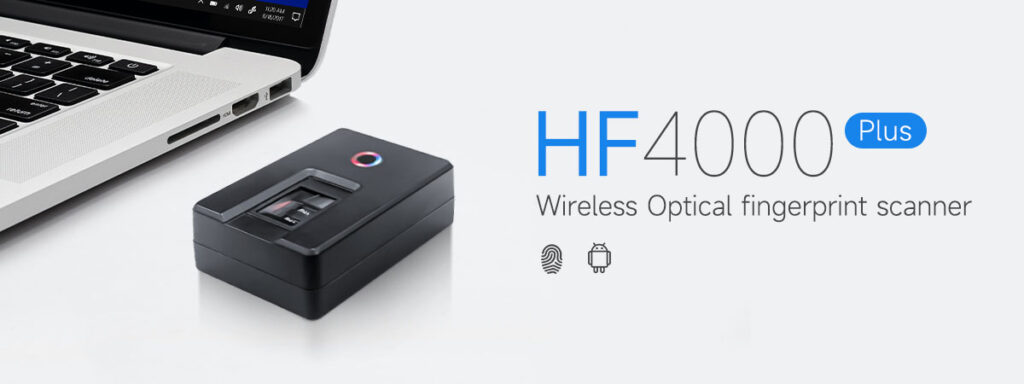
HF4000plus android fingerprint Scanner

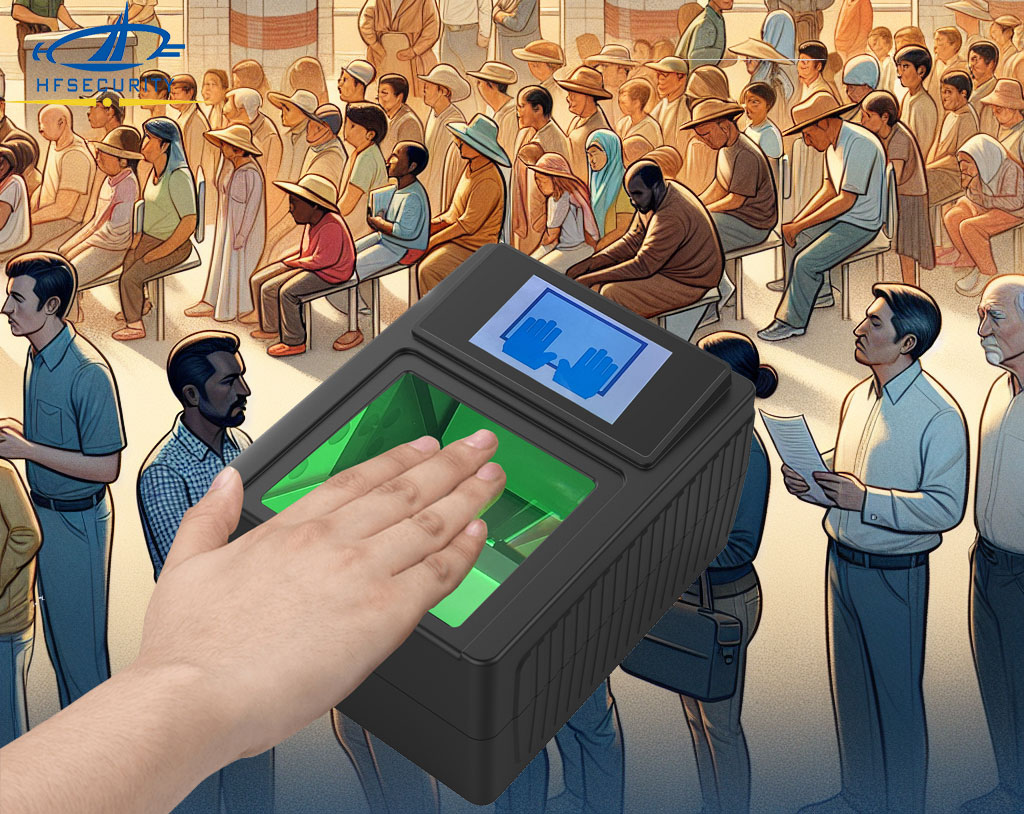
How Electronic Fingerprint Scanner Are Revolutionizing Identification

Electronic fingerprint scanner are devices that capture an individual’s fingerprint image and convert it into a digital format. These scanners use various technologies to capture fingerprints, including optical, capacitive, and ultrasonic methods. Optical fingerprint scanners work by illuminating the finger with a light source and capturing the reflection using a digital camera. The ridges and

How Electronic Fingerprint Scanner Are Revolutionizing Identification Read More »

HFSECURITY-Fingerprint-Scanner-for-background-checks

A Guide To The Rise of Fingerprint Scanner Background Checks

Fingerprint scanner background checks involve the use of fingerprint recognition technology to verify an individual’s identity and conduct thorough background investigations. This advanced technology captures and analyzes unique patterns on a person’s fingertips, comparing them with a comprehensive database of known prints to determine if there is a match. Unlike traditional background checks that rely

A Guide To The Rise of Fingerprint Scanner Background Checks Read More »

Need Help To Maximize Your Business?

Reach out to us today and get a complimentary business review and consultation.

Get A Free Quote

/* ========================================================================== HFSecurity 首页 v7 · 三 banner 轮播脚本 用途:Elementor → 自定义代码 → 位置选「Body - 结束」;整段粘贴,只放一次 依赖:页面上必须存在 id="hero" 的容器与 .slide / .hero-dots / [data-prev] / [data-next] ========================================================================== */ (function(){ function init(){ var hero=document.getElementById('hero'); if(!hero) return; if(hero.dataset.hfInit) return; // 防止 Elementor 编辑器/多次加载时重复绑定 hero.dataset.hfInit='1'; var slides=[].slice.call(hero.querySelectorAll('.slide')); var dots=[].slice.call(hero.querySelectorAll('.hero-dots button')); var idxBox=hero.querySelector('.hero-idx b'); var n=slides.length; if(n<2) return; var cur=0, timer=null, INTERVAL=7000; var reduce=window.matchMedia('(prefers-reduced-motion: reduce)').matches;// 第 2/3 屏的 banner 延迟到 load 之后加载, 避免与首屏 LCP 抢带宽 function ensureBg(i){ var bg=slides[i].querySelector('.s-bg'); if(bg && !bg.style.backgroundImage && bg.dataset.bg){ bg.style.backgroundImage="url('"+bg.dataset.bg+"')"; } }function go(i){ i=(i+n)%n; if(i===cur) return; ensureBg(i); slides[cur].classList.remove('active'); dots[cur].classList.remove('on'); cur=i; slides[cur].classList.add('active'); dots[cur].classList.add('on'); if(idxBox) idxBox.textContent=('0'+(cur+1)).slice(-2); } function start(){ if(reduce) return; stop(); timer=setInterval(function(){ go(cur+1); }, INTERVAL); } function stop(){ if(timer){ clearInterval(timer); timer=null; } }dots.forEach(function(d){ d.addEventListener('click', function(){ go(parseInt(d.dataset.goto,10)); start(); }); }); var prev=hero.querySelector('[data-prev]'), next=hero.querySelector('[data-next]'); if(prev) prev.addEventListener('click', function(){ go(cur-1); start(); }); if(next) next.addEventListener('click', function(){ go(cur+1); start(); });// 悬停暂停 / 离开继续 hero.addEventListener('mouseenter', stop); hero.addEventListener('mouseleave', start); // 切到后台标签页时停止, 省资源 document.addEventListener('visibilitychange', function(){ document.hidden ? stop() : start(); }); // 键盘左右方向键(整页监听, 因为 hero 本身不可聚焦) document.addEventListener('keydown', function(e){ if(e.key==='ArrowLeft'){ go(cur-1); start(); } if(e.key==='ArrowRight'){ go(cur+1); start(); } });// 移动端触摸滑动 var tx=0, ty=0, tracking=false; hero.addEventListener('touchstart', function(e){ if(e.touches.length!==1) return; tx=e.touches[0].clientX; ty=e.touches[0].clientY; tracking=true; stop(); }, {passive:true}); hero.addEventListener('touchend', function(e){ if(!tracking) return; tracking=false; var t=e.changedTouches[0], dx=t.clientX-tx, dy=t.clientY-ty; // 横向位移足够大且明显大于纵向才算滑动, 避免与页面上下滚动冲突 if(Math.abs(dx)>45 && Math.abs(dx)>Math.abs(dy)*1.4){ go(dx<0?cur+1:cur-1); } start(); }, {passive:true});// 首屏渲染完成后, 空闲时预取第 2/3 张, 避免首次切换出现空白 window.addEventListener('load', function(){ var load=function(){ ensureBg(1); ensureBg(2); }; if(window.requestIdleCallback) requestIdleCallback(load,{timeout:2500}); else setTimeout(load,1200); });start(); } if(document.readyState==='loading'){ document.addEventListener('DOMContentLoaded', init); } else { init(); } })();